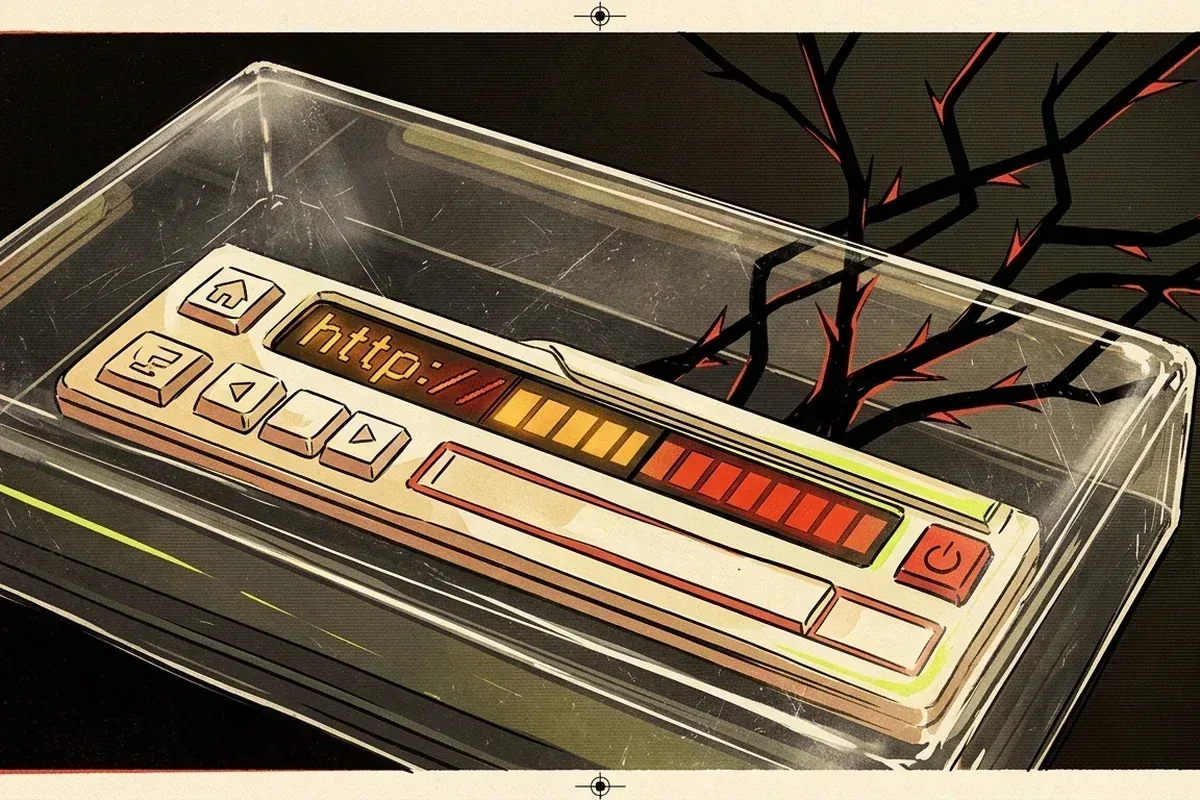
Reveal the destination
On a desktop, hovering usually exposes the target in the browser's status area. On touch devices, a long press may show a preview or copy option. If the interface hides the destination completely, copy the link as text without navigating and inspect it in a plain note.
Read the hostname from right to left around the registrable domain. A familiar brand name placed in a subdomain or path does not make the site belong to that brand. Watch for lookalike characters, added words, unexpected country codes, and a switch from https to plain http.
The checks to run without opening the destination
Reveal and read the full hostname before deciding whether to navigate.
A redirect or clean reputation result does not prove that the final page is safe.
Private tokenized URLs should never be submitted to public link-analysis services.
Treat redirects as a chain
Shorteners and tracking links intentionally hide the final URL. A redirect is not inherently malicious, but it removes information at the moment you must decide. Prefer a source that provides the expanded destination or an official navigation path you can reach independently.
Archived links contain both an archive hostname and an embedded original URL. Verify which one the browser will request and whether replay may fall through to a live destination when a captured asset is missing.
Use reputation services carefully
Browser Safe Browsing warnings and multi-engine reputation checks can identify known threats, but an absence of warnings is not proof of safety. A new phishing page, private redirect, or explicit but non-malware destination may not be classified.
Submitting a private URL to a third-party scanner can disclose it to that service or its partners. Never upload password-reset links, signed download URLs, internal addresses, wallet-connect sessions, or URLs containing personal tokens merely to check them.
If you must investigate further
Use a fully updated browser profile with no logged-in accounts, no wallet extension, and no saved credentials. Disable automatic downloads and do not grant notifications, clipboard access, camera, microphone, extensions, or wallet connections. Close the profile after the research session.
Stop when the question has been answered. Historical verification usually needs the URL, timestamp, page structure, or contemporary report - Not direct exposure to a known explicit file. Curiosity is not a security control.
Link inspection and privacy questions
Is an https link automatically safe?
No. HTTPS protects data in transit to the named host; it does not guarantee that the host is honest or the content is expected.
Can a clean reputation scan prove a link is harmless?
No. It only means the service did not flag the submitted URL at that time, and some harmful or explicit destinations are not malware.
Should I scan a private password-reset link?
No. The URL may contain a credential-like token. Navigate through the service's official site instead of disclosing the link to another party.
Sources and further reading
- Google guidance on dangerous-site warnings
- FTC guide to recognizing phishing
- MDN referrer-policy reference
Sources are provided for verification. External destinations may contain material GOAT.CX does not host or control. Review the source and corrections policy and the maintained GOAT evidence ledger.
Publication record
First published . Last substantive review . The updated date changes only after a source, factual, or explanatory revision - Not an automated timestamp refresh.