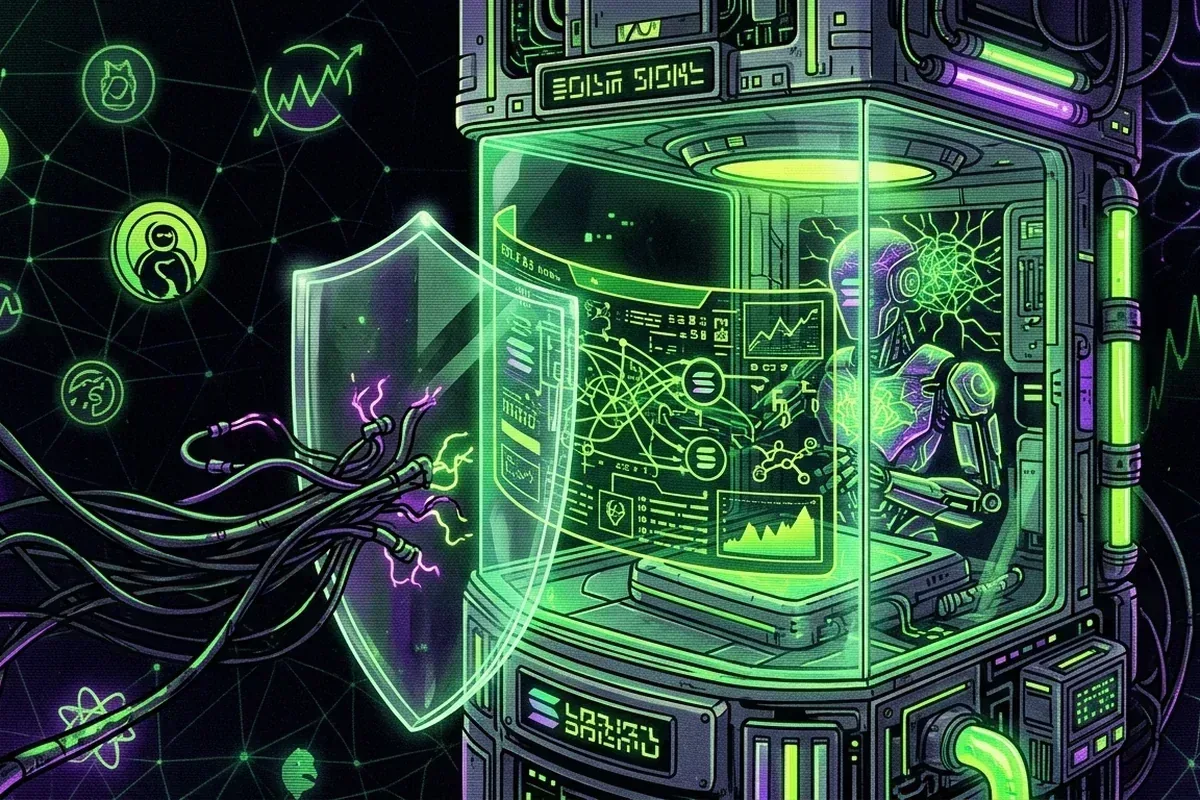
The protections that prevent avoidable loss
Seed phrases and private keys should never be entered into a website.
A familiar logo cannot replace full mint and transaction verification.
Dedicated wallets, simulation, and independent explorer checks limit avoidable risk.
Protect the signer
Never type a seed phrase into a website. Use a dedicated wallet for new applications, confirm the hostname, and treat sponsored search results as untrusted. Bookmark interfaces you use regularly.
A separate wallet reduces the assets exposed to an experimental application, but it does not validate a transaction. Keep recovery material offline, verify the application address independently, and treat requests to install software, share a screen, or enter a seed phrase as a reason to stop.
Understand the transaction
Wallet simulation can reveal unexpected transfers or permissions. Reject transactions you cannot explain. Verify the mint and destination even when a token logo appears familiar.
A wallet prompt may summarize several instructions behind one approval. Expand the details and identify the programs, accounts, assets, and limits involved. A swap should have an understandable input and output; unrelated transfers or new permissions require investigation before signing.
Wallet, signature and compromise questions
Should I use a separate wallet for Solana memecoins?
A dedicated wallet limits the assets exposed to experimental interfaces and signatures. It does not remove the need to protect the recovery phrase and inspect every transaction.
Can an unsolicited Solana token drain a wallet?
Simply seeing a spam token is not the same as approving a transaction. The danger usually begins when a recipient follows its link or uses an unfamiliar application to claim, trade, or burn it.
What should I do after signing a suspicious transaction?
Stop signing, disconnect the application, review the signature on a trusted explorer, and move remaining assets to a newly generated wallet if key exposure is possible. Ignore direct-message recovery offers.
After the swap
Disconnect unused applications, monitor unexpected token activity, and ignore unsolicited assets containing links. Airdropped spam tokens do not need to be claimed, traded, or burned through an unfamiliar site.
Confirm the signature in an independent explorer and compare balance changes with the quoted result. Review token delegates and connected applications if anything appears unexpected. Do not sign a second transaction described by a stranger as a refund or reversal, because settlement is generally irreversible.
Respond to a suspected compromise
Disconnect the application, stop signing, and use a separate trusted device to review recent transactions. If a seed phrase or private key may be exposed, move remaining assets to a newly generated wallet whose recovery material has never touched the compromised device.
Do not accept direct-message recovery services or sign a transaction claimed to reverse the theft. Blockchain transfers are generally irreversible, and scammers frequently target people immediately after a public request for help.
Sources and further reading
Sources are provided for verification. External destinations may contain material GOAT.CX does not host or control. Review the source and corrections policy and the maintained GOAT evidence ledger.
Publication record
First published . Last substantive review . The updated date changes only after a source, factual, or explanatory revision - Not an automated timestamp refresh.